$ vue init simulatedgreg/electron-vue markdown-yaml-info-manager

? Application Name (markdown-yaml-info-manager)
? Application Name markdown-yaml-info-manager
? Project description (An electron-vue project)
? Project description An electron-vue project
? Select which Vue plugins to install (Press <space> to select)
? Select which Vue plugins to install axios, vue-electron, vue-router, vuex
? Use linting with ESLint? (Y/n) y
? Use linting with ESLint? Yes
? Which eslint config would you like to use? (Use arrow keys)
? Which eslint config would you like to use? Standard
? Setup unit testing with Karma + Mocha? (Y/n) n
? Setup unit testing with Karma + Mocha? No
? Setup end-to-end testing with Spectron + Mocha? (Y/n) n
? Setup end-to-end testing with Spectron + Mocha? No
? What build tool would you like to use? (Use arrow keys)
? What build tool would you like to use? builder
? author (sumy <[email protected]>)
? author sumy <[email protected]>

   vue-cli · Generated "markdown-yaml-info-manager".

---

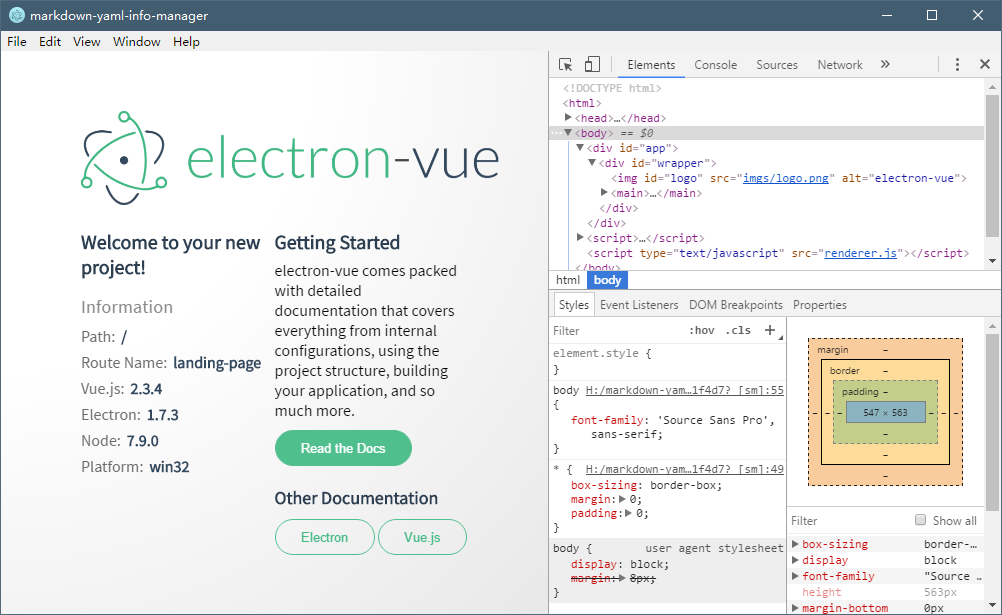
All set. Welcome to your new electron-vue project!

Make sure to check out the documentation for this boilerplate at
https://simulatedgreg.gitbooks.io/electron-vue/content/.

Next Steps:

  $ cd markdown-yaml-info-manager
  $ yarn (or `npm install`)
  $ yarn run dev (or `npm run dev`)